
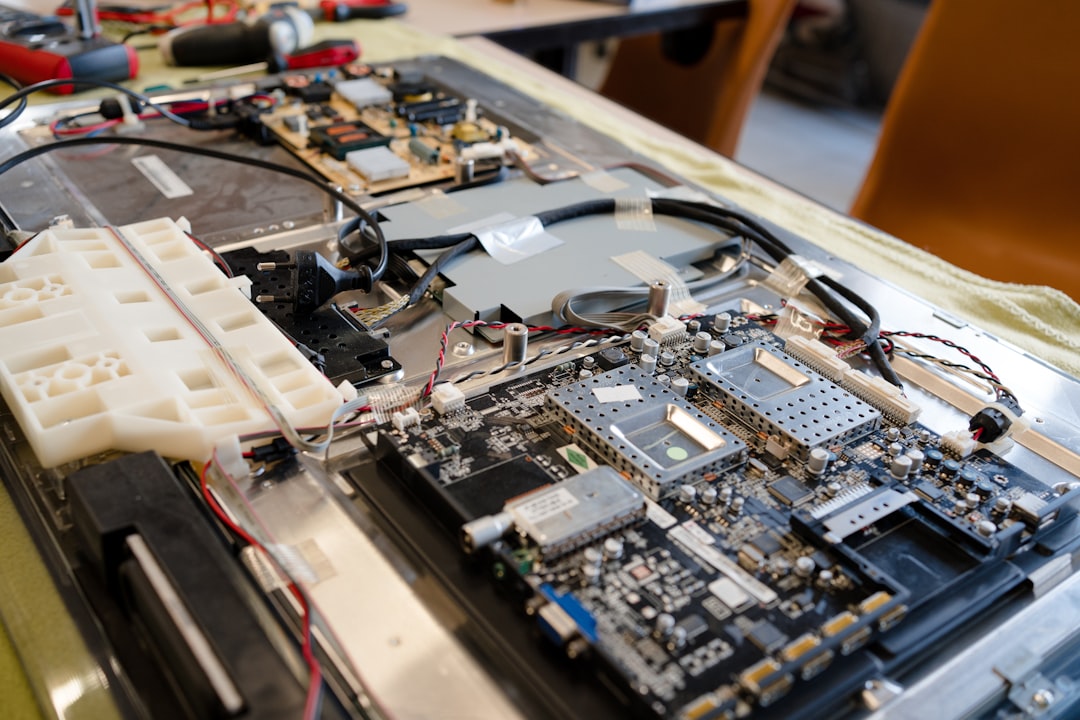
A TV that powers up, shows the logo or a picture for a few seconds and then switches itself off is telling you something. Most of the time the TV is shutting down to protect itself because a fault has been detected. It’s one of the most common faults we see on LED, QLED and OLED TVs, and it’s usually repairable.
First, rule out the simple things
- Timers and settings. Check the sleep timer, auto power-off and eco settings in the TV menu. An “off timer” or “no signal power off” can look like a fault.
- HDMI-CEC. A set-top box, console or soundbar can switch the TV off through HDMI control. Unplug all HDMI devices and see if the fault stops.
- Power. Plug the TV straight into a wall socket rather than a power board or surge protector, and try a different socket.
- Firmware. If the TV stays on long enough, check for a software update. Some models have known start-up bugs fixed by an update.
If the TV still turns itself off, the cause is almost always inside the set.
The usual hardware causes
1. Backlight failure
On LED TVs, the backlight driver monitors the LED strips. If one LED fails, the driver sees the fault and shuts the TV down, often after a few seconds. You may hear sound briefly, or see a flash of picture. This is the most common cause on Samsung, LG, Hisense and TCL LED models.
2. Power supply faults
Ageing capacitors on the power supply board can’t hold the voltage steady once the TV draws full power. The TV starts, the load goes up, the voltage drops and the set switches off. A clicking sound as it tries to restart is a common sign.
3. Mainboard or T-con faults
A failing mainboard can crash during start-up and restart in a loop. On many brands, the standby light blinks in a pattern that points to the faulty section.
Should you keep trying to turn it on?
No. Repeatedly powering a TV with a failing backlight or power supply can damage other parts, turning a single-board repair into a bigger one. Note what it does (how long it stays on, any sounds, the standby light pattern) and switch it off at the wall.
Getting it repaired
We diagnose the fault on the bench and quote before any work starts. A minimum diagnostic fee applies and comes off your invoice if you go ahead. See TV repairs or read why Samsung TVs lose the picture but keep the sound.