
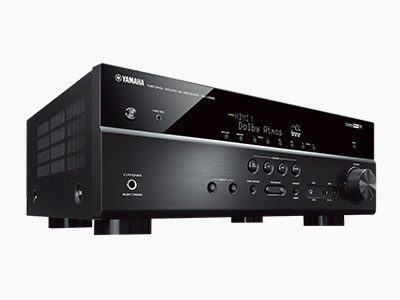
Your Yamaha receiver turns on, then clicks off a few seconds later, or shuts down when you turn the volume up. Some models show “CHECK SP WIRES” or blink the power light. This is protection mode: the receiver has detected something wrong and switched off to protect itself.
Check these first
- Speaker wires. Turn the receiver off and check every speaker terminal, on the receiver and the speakers. A single stray strand touching the chassis or the other terminal is enough to trigger protection.
- Disconnect all speakers and turn the receiver on. If it stays on, reconnect the speakers one at a time to find the problem.
- Ventilation. Receivers in closed cabinets can overheat. Give it space above and behind.
- Impedance. Low-impedance speakers driven hard can trip protection. Check the speaker impedance setting in the receiver menu.
If it still goes into protection
If the receiver shuts off with no speakers connected, the fault is inside. Common causes are failed output transistors, a power supply fault, a failed DC protection circuit or, on some models, a faulty HDMI or DSP board dragging the power supply down.
Don’t keep switching it on and off. Repeated attempts can turn a small fault into a bigger one.
Is it worth repairing?
For mid-range and AVENTAGE Yamaha receivers, usually yes. The repair is often a fraction of the cost of a comparable new receiver.
We’re a listed Yamaha service centre in Minchinbury, Western Sydney, for AV receivers and hi-fi, in and out of warranty. See Yamaha service or amplifier and receiver repair.