
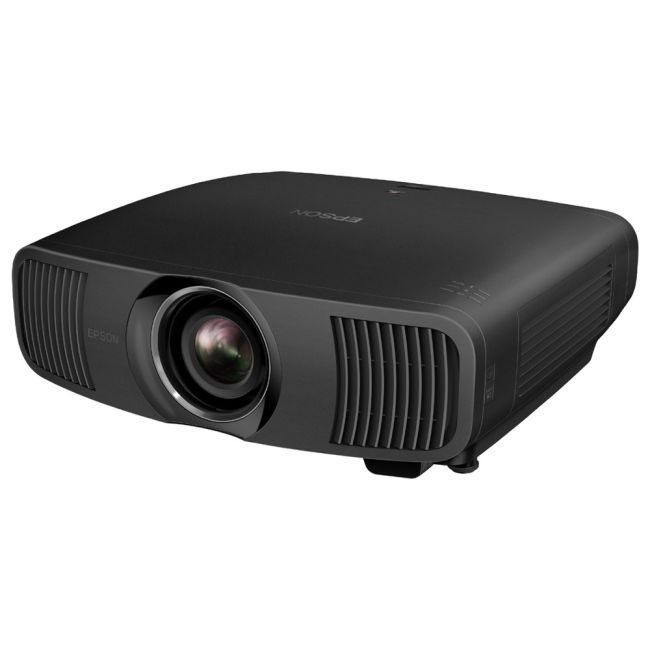
Epson projectors use their indicator lights to tell you what’s wrong. A flashing or solid orange or red light usually means the projector has shut down to protect itself. Here’s how to read the lights and what to try.
Light patterns vary between models, so check the manual for your exact model (search the model number on Epson’s support site). The patterns below are the common ones.
Temperature light
- Flashing: the projector is running hot. Check the air filter and vents are clear, and that it isn’t in an enclosed cabinet or near a heat source.
- Solid, projector shuts down: it overheated, or a fan or temperature sensor has failed.
Try this: turn it off, unplug it, clean or replace the air filter, give it space to breathe and let it cool for 30 minutes. If the light comes back, a fan has probably failed.
Lamp light
- Flashing: the lamp is near or past the end of its life, or the lamp cover isn’t closed properly.
- Solid, no picture: the lamp has failed, or the lamp circuit (ballast) has a fault.
Try this: check the lamp hours in the menu and make sure the lamp cover is firmly closed. If the lamp is new and the light still comes on, the fault is probably the ballast or a sensor, not the lamp.
Power light flashing with lamp and temperature lights
When several lights flash together, it usually points to an internal fault such as the power supply or mainboard. That needs a technician.
When to bring it in
- The warning comes back after cleaning the filter and cooling down.
- A new lamp doesn’t fix a lamp warning.
- The picture is yellow, purple or blotchy (LCD panel or dust in the optics).
- Several lights flash together.
We repair Epson home cinema and business projectors at our Minchinbury workshop. See Epson projector repair or call (02) 9675 5511.