
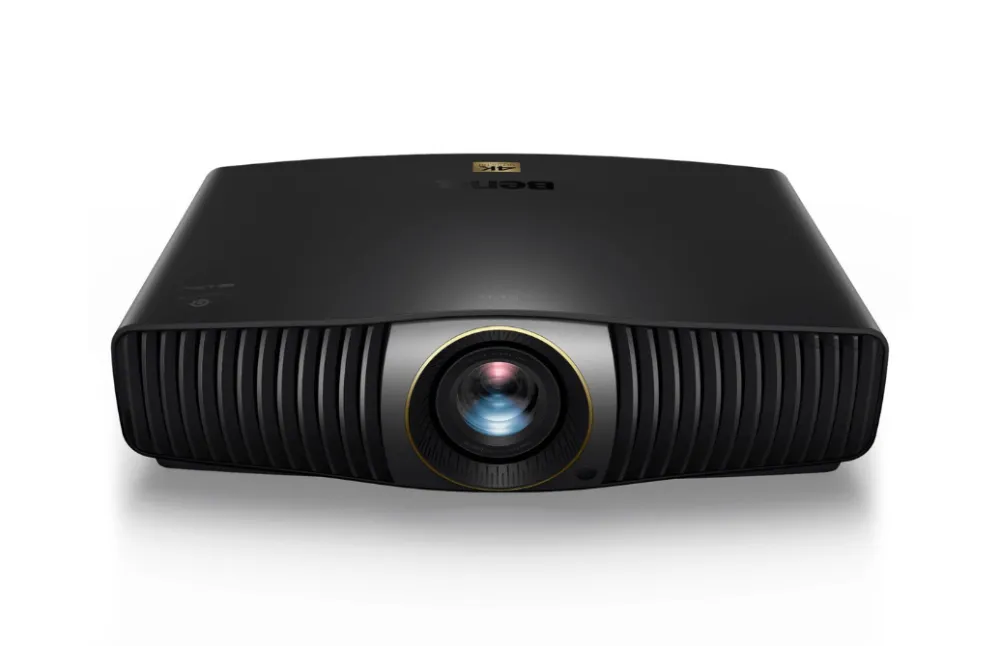
A projector that used to look great can slowly lose its punch. The picture gets dimmer, softer or takes on a colour cast, and it’s easy to blame the screen or the source. Here are the usual causes, from simplest to most involved.
A dim picture
- Lamp age. Lamp projectors lose brightness steadily. Check the lamp hours in the menu against the rated life in the manual.
- Eco mode. Many projectors switch to a low-power lamp mode automatically. Check the lamp or light source setting.
- Dust filters. A blocked filter makes the projector run hot and dim the lamp to protect itself. Clean or replace it.
- Laser and LED models lose brightness much more slowly. A sudden drop usually points to a fault in the light source or its driver.
A blurry picture
Start with focus and zoom, then check the lens for dust or fingerprints and clean it gently with a lens cloth. If one part of the image is sharp and another isn’t, the projector may not be square to the screen, or keystone correction may be softening the picture. Reduce keystone and move the projector if you can.
If the picture is still soft everywhere, dust or heat damage inside the optical block can be the cause.
Yellow, green or blotchy colours
A colour cast or blotches that stay in the same place are a classic sign of dust inside the optical block or a degraded LCD panel or polariser. On LCD projectors, a yellow or brown haze that gets worse over time is often heat damage. On DLP projectors, rainbow flicker or missing colours can point to the colour wheel.
These aren’t user-serviceable. Opening the optical block needs a clean workspace and the right tools.
Warning lights
If the lamp or temperature light is flashing, see our guide to Epson projector warning lights. The same principles apply to most brands.
Getting it looked at
We service home cinema, business and classroom projectors from Epson, Sony, BenQ, Optoma, NEC, ViewSonic and others. We diagnose the fault on the bench and quote before any work starts. See projector repairs.